


- Home
- VILLA
Support & Customization
For further changes or customization, please contact us at info@aashro.com.
VILLA
VILLA
TER: https://extensions.typo3.org/extension/at_villa
Installation
1. Composer-Based Installation
Note: If you are working in a local environment using DDEV, make sure to add ddev before each command.
Install the Extension via Composer
Navigate to your TYPO3 project root and run:
composer require aashro/at-villa
Run Extension Setup
After installing the extension, execute the TYPO3 extension setup command:
composer exec typo3 extension:setup
Clear TYPO3 Caches
To ensure that all configuration, TypoScript, Content Blocks, and generated files are correctly loaded, clear the TYPO3 cache:
composer exec typo3 cache:flush
Alternatively, you can clear the cache from the TYPO3 backend:
- Go to Admin Tools → Maintenance
- Click Flush TYPO3 and PHP Cache
2. Non-Composer Installation
This extension can also be installed in non-composer (classic) TYPO3 installations using the Extension Manager.
Installation Options
You can install the extension using one of the following methods:
- Download the extension ZIP file from TER and upload it manually
- Install the extension directly from the TYPO3 backend using the Extension Manager
Step-by-Step Installation via Extension Manager
- Log in to the TYPO3 backend.
- Navigate to Admin Tools → Extensions.
- In the top Document Header, select Get Extensions.
- Click Update now to refresh the extension list.
- Search for the extension key at_villa.
- Click Install.
TYPO3 will download and install the extension automatically.
Important Note
⚠️ Clear Cache After Installation
After installing the extension, always clear the TYPO3 and PHP caches. This ensures that the extension configuration, Content Blocks, TypoScript, and frontend assets are loaded correctly.
⚠️ Fresh TYPO3 Installation Recommended
The VILLA theme is designed primarily for a new or fresh TYPO3 installation. If an existing site package, theme, page tree, TypoScript configuration, or custom Content Blocks are already present, the extension may not work as expected without additional configuration.
Core Highlights of Free TYPO3 Template
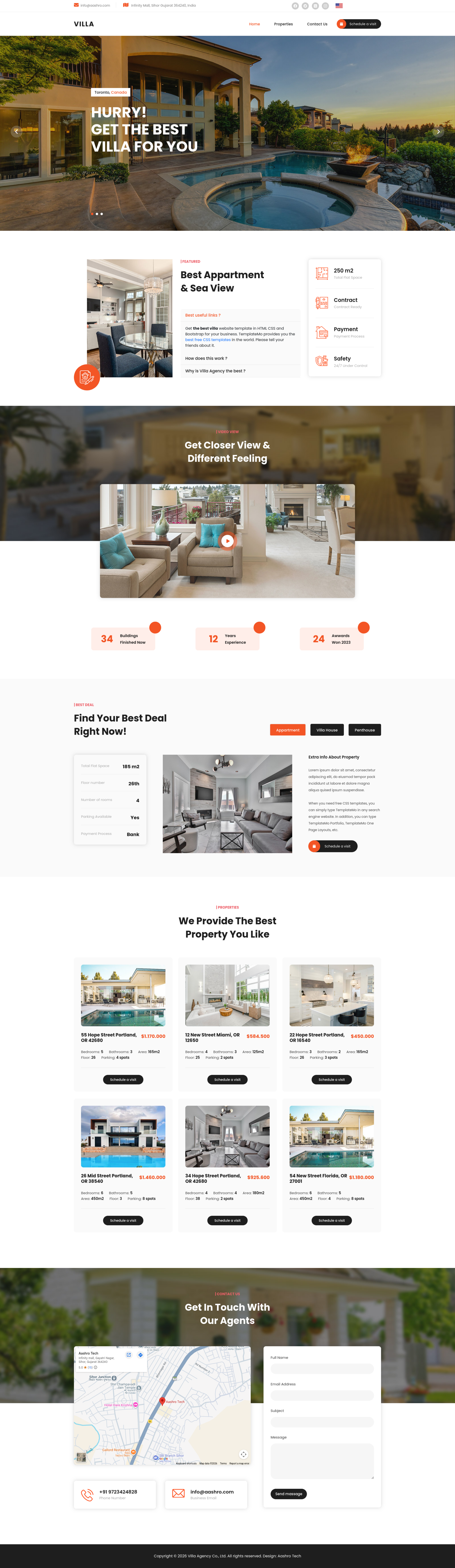
VILLA is a modern and professional TYPO3 website template designed for businesses, agencies, organizations, and companies looking for a clean and flexible digital presence.
This theme is built for TYPO3 v13.4, ensuring compatibility with the TYPO3 v13 LTS release.
The extension supports dual-language websites with English and German, allowing editors to manage multilingual website content directly from the TYPO3 backend.
VILLA uses TYPO3 Content Blocks to provide flexible and reusable content elements. Editors can create and manage different sections of the website without requiring custom HTML development.
Key Features
- TYPO3 v13.4 compatible
- English & German language support
- Responsive and modern design
- Content Blocks integration
- Flexible content management
- Customizable hero/banner sections
- Reusable content elements
- Easy editor-friendly configuration
