


- Home
- Fluid Templating in TYPO3: How We Build Beautiful, Custom Designs
Fluid Templating in TYPO3: How We Build Beautiful, Custom Designs
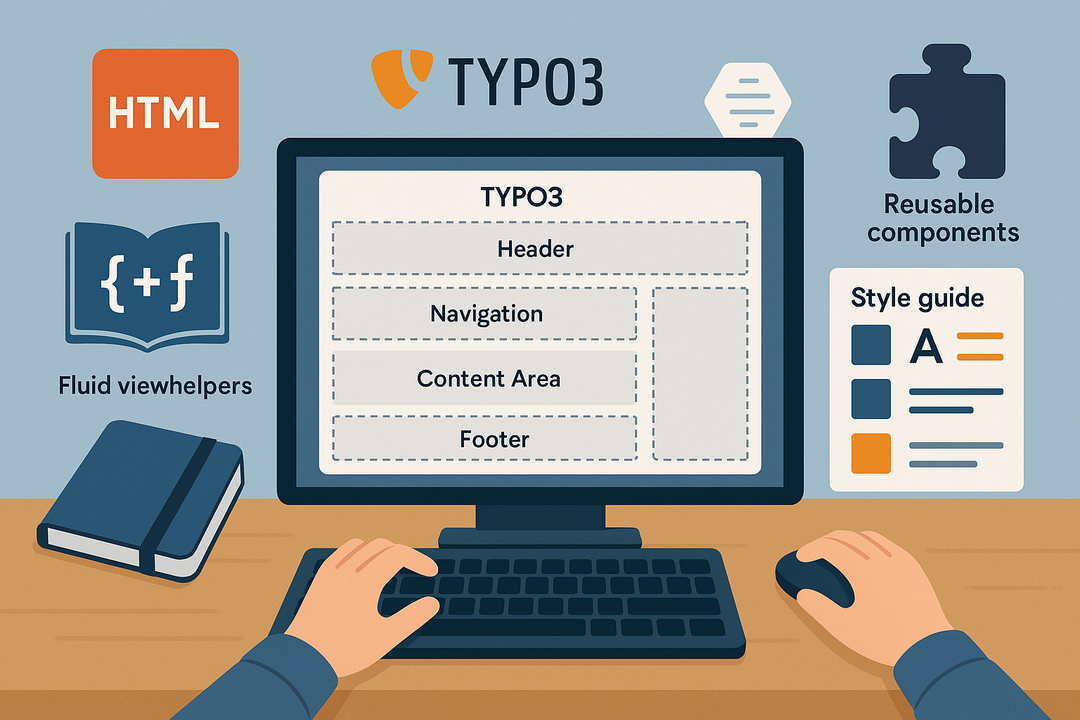
When building a modern TYPO3 website, Fluid Templating is at the heart of design flexibility and content structure. TYPO3 doesn’t rely on rigid themes like other CMS platforms. Instead, it empowers developers and designers to build fully custom layouts using a clean and powerful templating engine called Fluid.
In this blog, we’ll walk you through how Fluid Templating works in TYPO3 and how it enables us to create scalable, beautiful, and brand-aligned designs that clients can easily manage and expand.
1. What is Fluid and Why TYPO3 Uses It
Fluid is TYPO3’s native templating engine — similar to Twig or Blade — but built specifically for TYPO3’s content structure. It uses standard HTML with template-specific tags like <f:for>, <f:if>, and <f:render>.
Why Fluid Matters:
- Clean syntax, readable by designers and frontend developers.
- No PHP logic inside the view — it promotes separation of concerns.
- Integrated with TYPO3’s rendering process, making content more dynamic and reusable.
Fluid makes it easy to build dynamic sections such as sliders, testimonials, accordions, and responsive layouts — all driven by backend content.
2. Template Structure in TYPO3: HTML + TypoScript + Fluid
Every TYPO3 template includes three core layers:
- HTML Template: This is the Fluid file (.html) where the structure is defined.
- TypoScript Setup: Acts as the configuration layer that tells TYPO3 how to render the template.
- Partial & Layouts: Fluid allows reuse of components using Partials (e.g., buttons, cards) and Layouts (e.g., page wrappers).
Example:
        <f:section name="Main">
           <h1>{data.title}</h1>
           <p>{data.bodytext}</p>
       </f:section>
This shows how page content can be rendered dynamically — giving your editors freedom and control.
3. Fluid Styled Content & Custom Content Elements
TYPO3 includes Fluid Styled Content (FSC) by default — it provides predefined content rendering for standard elements like text, images, and videos.
But at Aashro, we often go a step further by:
- Creating Custom Content Elements using mask, flux, or manually coded ctype.
- Building content grids, sliders, or info boxes tailored to your brand identity.
- Linking content fields directly to backend forms, so editors never need to touch HTML.
Why this helps businesses:
- You get fully branded, reusable content blocks.
- Editors can publish new pages in minutes without breaking design rules.
- Design and structure scale easily as your business grows.
4. Responsive Design and Template Scalability
Our Fluid templates are built using responsive frameworks like Bootstrap or Tailwind CSS, ensuring every design looks perfect on all devices.
In TYPO3:
- Content elements adapt to screen sizes automatically.
- Backend previews match the frontend design.
- Templates can be extended as your site evolves — without needing a full redesign.
Business Benefit:
You’re not locked into one look or layout. Your TYPO3 site can evolve with your marketing strategy while keeping the design consistent and professional.
5. Real-World Use Case: How We Use Fluid for Clients
At Aashro, we design every client site with a custom Fluid template. For example:
- A logistics company needed multilingual dynamic pages with region-specific content.
- We built reusable elements like “Service Cards” and “Region Maps” in Fluid.
- Their editors now update these sections in minutes — no code involved.
Results:
- Faster publishing time
- Brand consistency
- Lower training needs for content teams
Conclusion: Why Fluid Templating Empowers Business-Centric Web Design
Fluid templating in TYPO3 isn’t just a development tool — it’s a strategic advantage for businesses. By separating content, layout, and logic, Fluid empowers your team to create scalable, reusable, and fully customized designs that reflect your brand identity without compromising performance or editor usability.
At Aashro, we use Fluid to transform static ideas into flexible, dynamic websites that are future-ready. Whether you're building a corporate website, multilingual portal, or campaign microsite, Fluid allows for total design freedom with enterprise-grade stability.
Here’s what you gain with Fluid in TYPO3:
- Fully custom designs tailored to your goals, not cookie-cutter templates.
- Reusable components for faster development and easy content maintenance.
- Editor-friendly backend where even non-technical users can update pages.
- Responsive output that works across all devices — no extra configuration required.
- Scalable architecture that grows with your business.
By choosing TYPO3 and leveraging Fluid templating, you invest in a digital foundation that’s flexible, powerful, and built to last.
